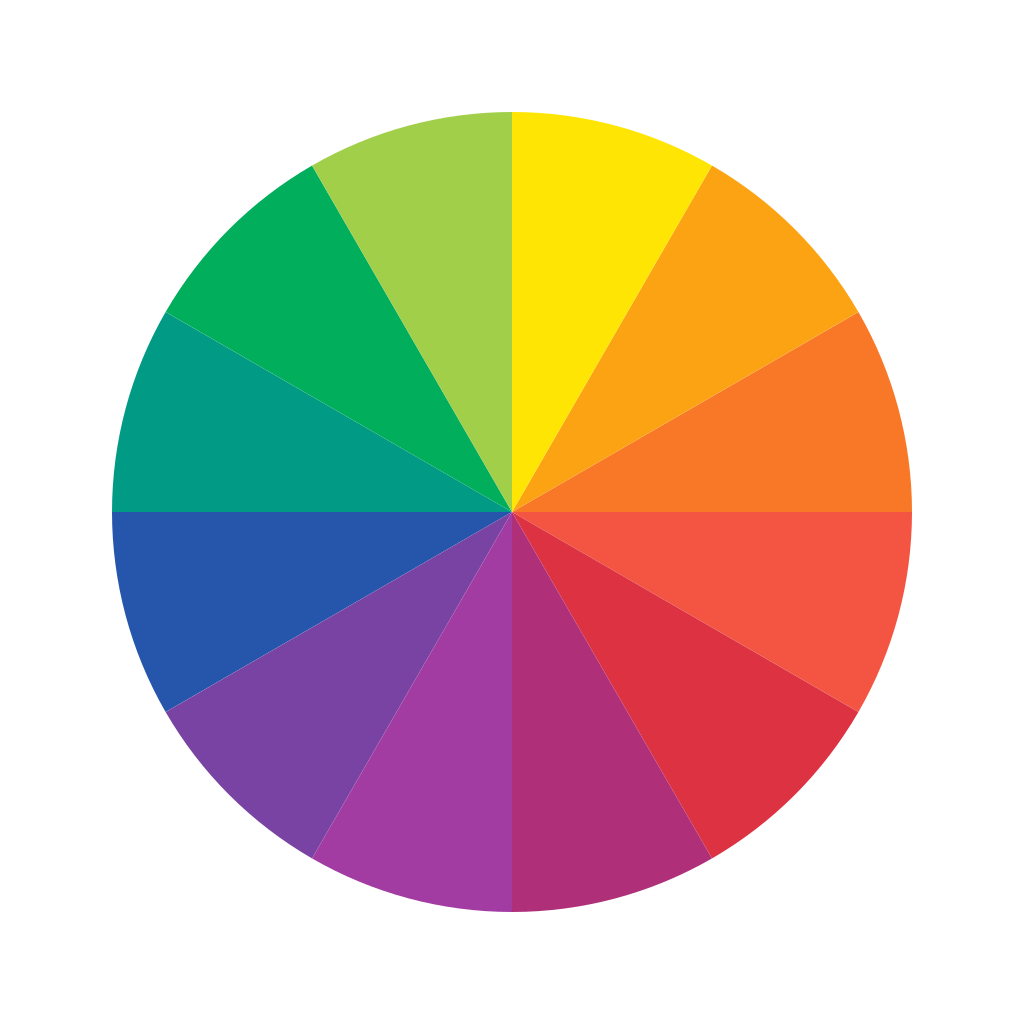
 Color Picker
Pick and convert colors
Color Harmonies
Best Color Combinations
Click any color to copy its HEX code
Pick & Convert Colors Easily
Extract precise color codes visually or convert existing codes between formats. The Color Picker provides instant access to HEX, RGB, HSL, and CMYK values, making it an essential companion for web designers, developers, and graphic artists.
Frequently Asked Questions
How do I pick a color from an image?
Simply upload your image to the tool, click on the specific pixel or area you want to sample, and the tool will instantly display the corresponding color codes.
What is the difference between HEX and RGB?
Both represent the same color using red, green, and blue light. HEX is a 6-character alphanumeric string (e.g., #FFFFFF) commonly used in web design, while RGB represents the numerical intensity from 0 to 255 (e.g., rgb(255, 255, 255)).
What format should I use for printing?
For physical printing, you should convert your digital colors to CMYK (Cyan, Magenta, Yellow, Key/Black), as printers mix ink rather than light.