 Sélecteur de couleur
Choisissez et convertissez les couleurs
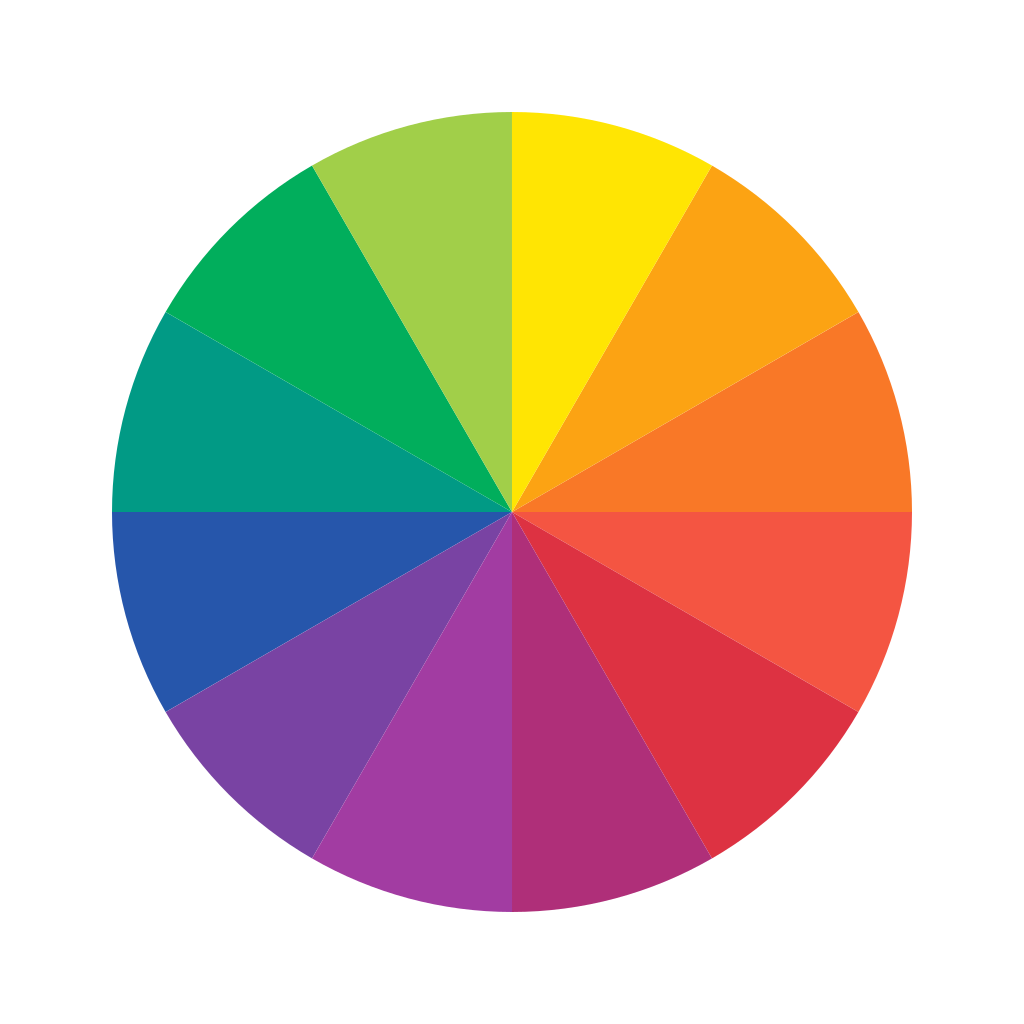
Harmonies de couleurs
Meilleures combinaisons de couleurs
Cliquez sur une couleur pour copier son code HEX
Choisissez et convertissez les couleurs facilement
Extrayez des codes couleur précis visuellement ou convertissez des codes existants entre formats. Le Sélecteur de couleurs donne un accès instantané aux valeurs HEX, RVB, TSL et CMJN, ce qui en fait un compagnon essentiel pour les webdesigners, développeurs et graphistes.
Questions fréquentes
Comment prélever une couleur sur une image ?
Téléchargez simplement votre image dans l'outil, cliquez sur le pixel ou la zone spécifique que vous souhaitez échantillonner, et l'outil affichera instantanément les codes couleur correspondants.
Quelle est la différence entre HEX et RVB ?
Les deux représentent la même couleur en utilisant la lumière rouge, verte et bleue. HEX est une chaîne alphanumérique de 6 caractères (par exemple, #FFFFFF) couramment utilisée en conception web, tandis que RVB représente l'intensité numérique de 0 à 255 (par exemple, rgb(255, 255, 255)).
Quel format dois-je utiliser pour l'impression ?
Pour l'impression physique, vous devez convertir vos couleurs numériques en CMJN (Cyan, Magenta, Jaune, Noir), car les imprimantes mélangent de l'encre plutôt que de la lumière.